> For the complete documentation index, see [llms.txt](https://docs.cakewallet.com/llms.txt). Markdown versions of documentation pages are available by appending `.md` to page URLs; this page is available as [Markdown](https://docs.cakewallet.com/get-started/setup/restore-existing-wallet/hardware-wallet.md).
# Hardware wallet
{% hint style="info" %}
Hardware wallet support is limited to specific devices and currencies. Check the lists below before you start.
{% endhint %}
## Supported devices
**Connected over Bluetooth or USB**
* **Ledger** — Monero, Bitcoin, Litecoin, Ethereum, Polygon
* **Trezor** — Monero, Bitcoin, Litecoin, Ethereum, Polygon
* **BitBox** — Bitcoin, Ethereum, Polygon (**Android only**)
**Air-gapped, over QR codes** — these devices are never plugged in or paired. Cake Wallet displays a QR code, you scan it with the device, and then scan the signed result back into Cake Wallet.
* **COLDCARD** — Bitcoin, using either the `BCUR` or `BBQR` QR code format
* **Cupcake** — Cake's own air-gapped signing app; see the [Cupcake documentation](https://docs.cakewallet.com/cupcake)
{% hint style="warning" %}
**SeedSigner**, **Keystone** and **Foundation Passport** are listed in the app under `Coming Soon` and cannot be used yet. **BitBox** is also marked `Coming Soon` on anything other than Android.
{% endhint %}
{% hint style="info" %}
**Trezor:** Bitcoin and Monero run through Cake Wallet's built-in Trezor connection — pair over USB or Bluetooth, enter your PIN, and approve on the device; no Trezor Suite, bridge, or separate app needed. Litecoin, Ethereum and Polygon on Trezor still use the Trezor Connect flow.
{% endhint %}
## Restore wallet from hardware
{% stepper %}
{% step %}
### Step 1
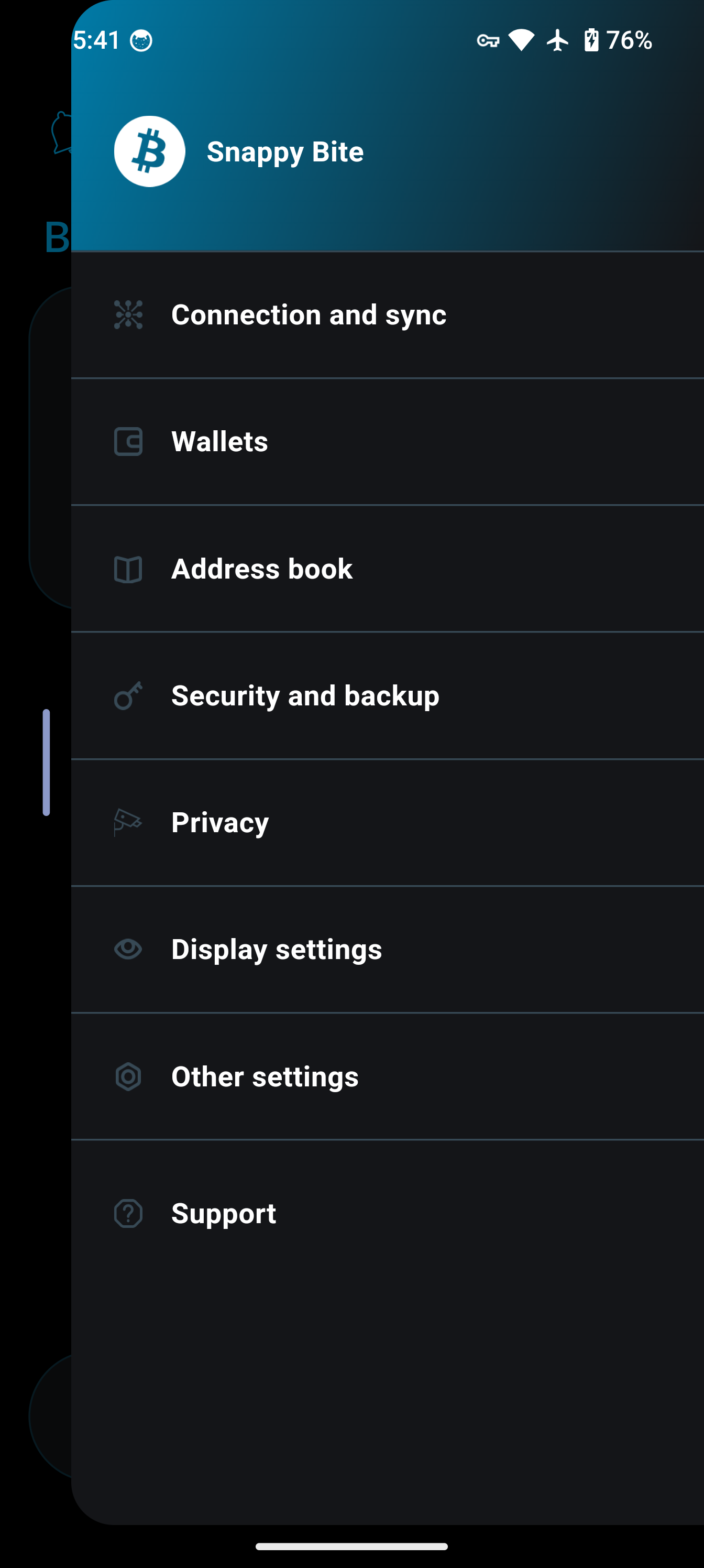
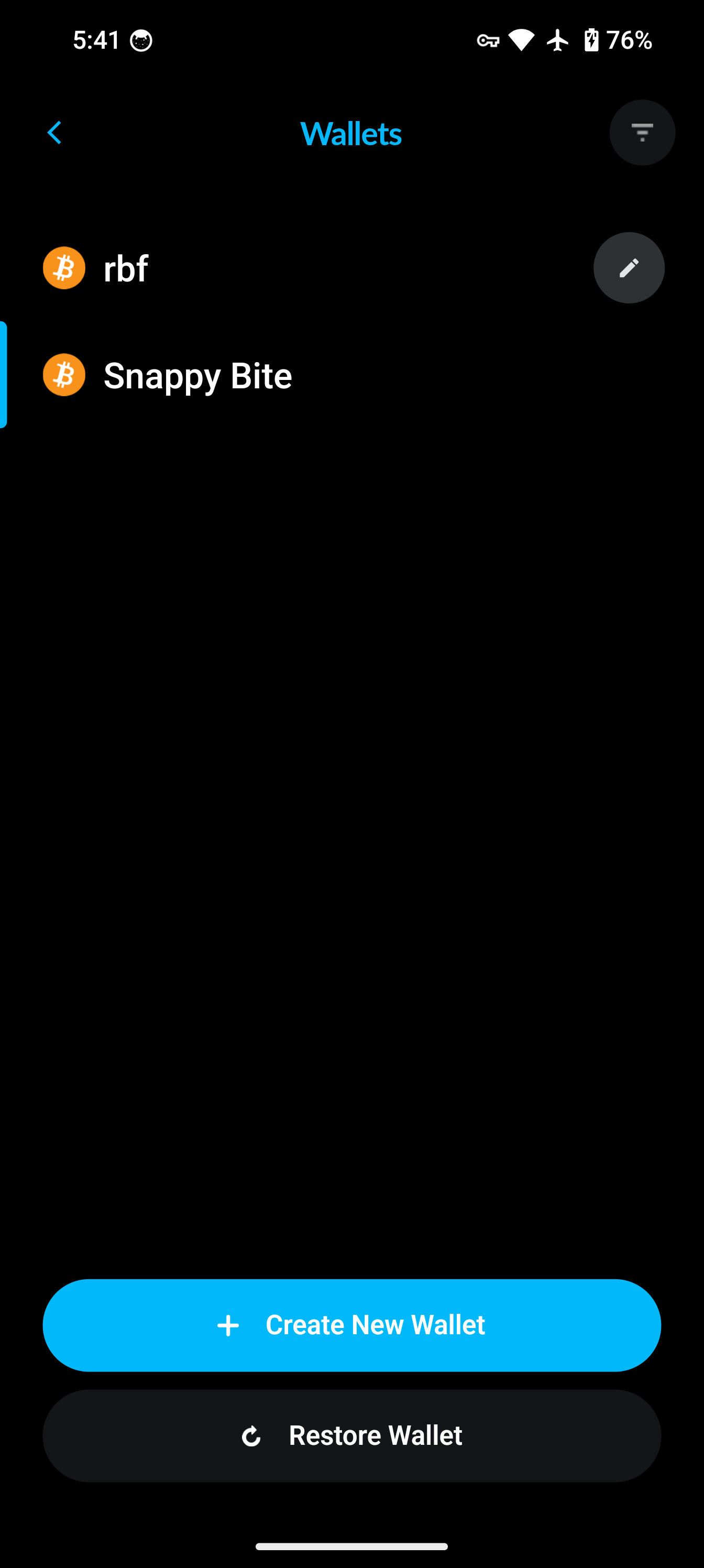
Go to the `Wallets` tab in the bottom navigation bar, then tap `Restore Wallet`.
{% endstep %}
{% step %}
### Step 2
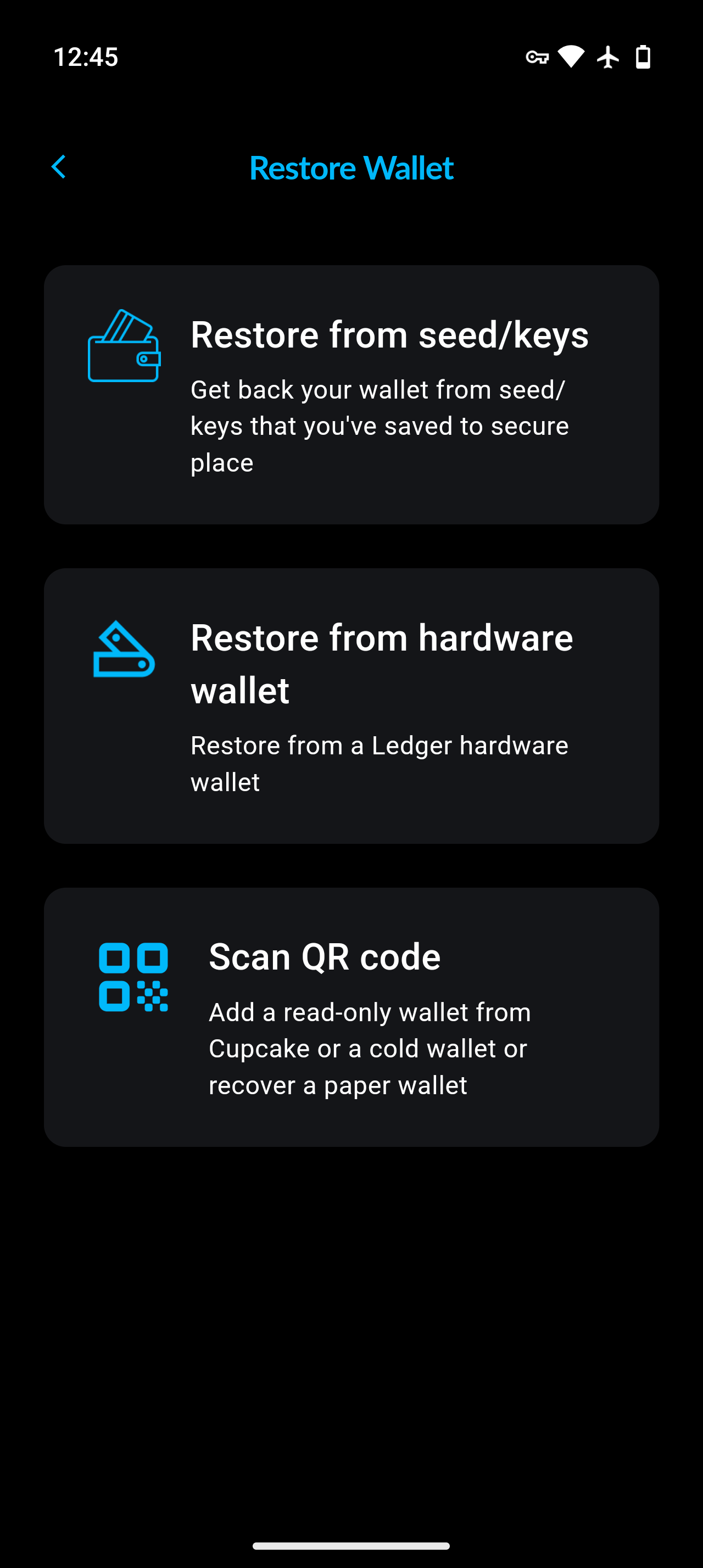
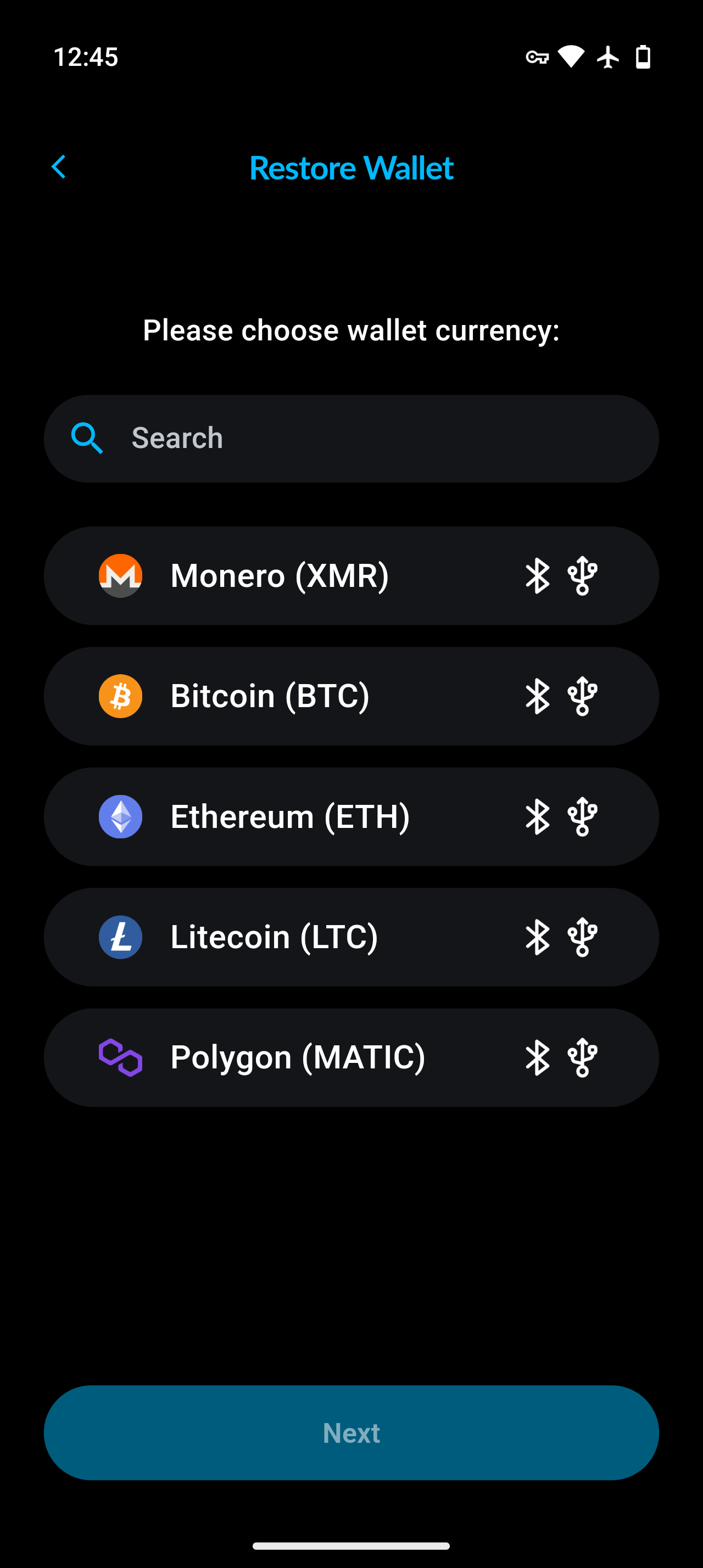
On the `Restore Wallet` screen, tap `Hardware wallet`, then choose the wallet type.
{% endstep %}
{% step %}
### Step 3
Connect your hardware wallet device.
On Android, macOS and Linux you can connect over either Bluetooth or USB. **On iOS, only Bluetooth is offered** — USB is not available.
Air-gapped devices such as COLDCARD and Cupcake are never connected: instead of this step, you scan QR codes back and forth between Cake Wallet and the device.
Make sure the required app is open on your device *before* selecting it: Ledger and BitBox devices use per-coin apps, while Trezor devices need no app for Bitcoin or Monero.
Once you see your device, select it from the menu and allow access (if applicable).
 
{% endstep %}
{% step %}
### Step 4
Select your desired account and name you wallet.
Then tap `Next`, and you will be in a view mode of your hardware wallet's account, indicated by the icon next to the wallet type.
 
{% endstep %}
{% endstepper %}
Tutorial video
[](https://youtu.be/jExAUzETuuo)