

Cake Pay
Buy gift cards for 150,000+ merchants with Bitcoin, Lightning, Litecoin, Monero or Zcash in Cake Pay using only an email, plus refunds, fees and limits.
Cake Pay lets you spend your crypto at the places you already shop: buy gift cards and prepaid cards for 150,000+ merchants, paid for straight from your wallet. No bank, no ID, no premium for privacy — a $20 card costs $20, and signing up takes nothing but an email address.
Use Cake Pay from the Apps tab in Cake Wallet (bottom-right of the home screen) or at cakepay.com.
Buy a gift card
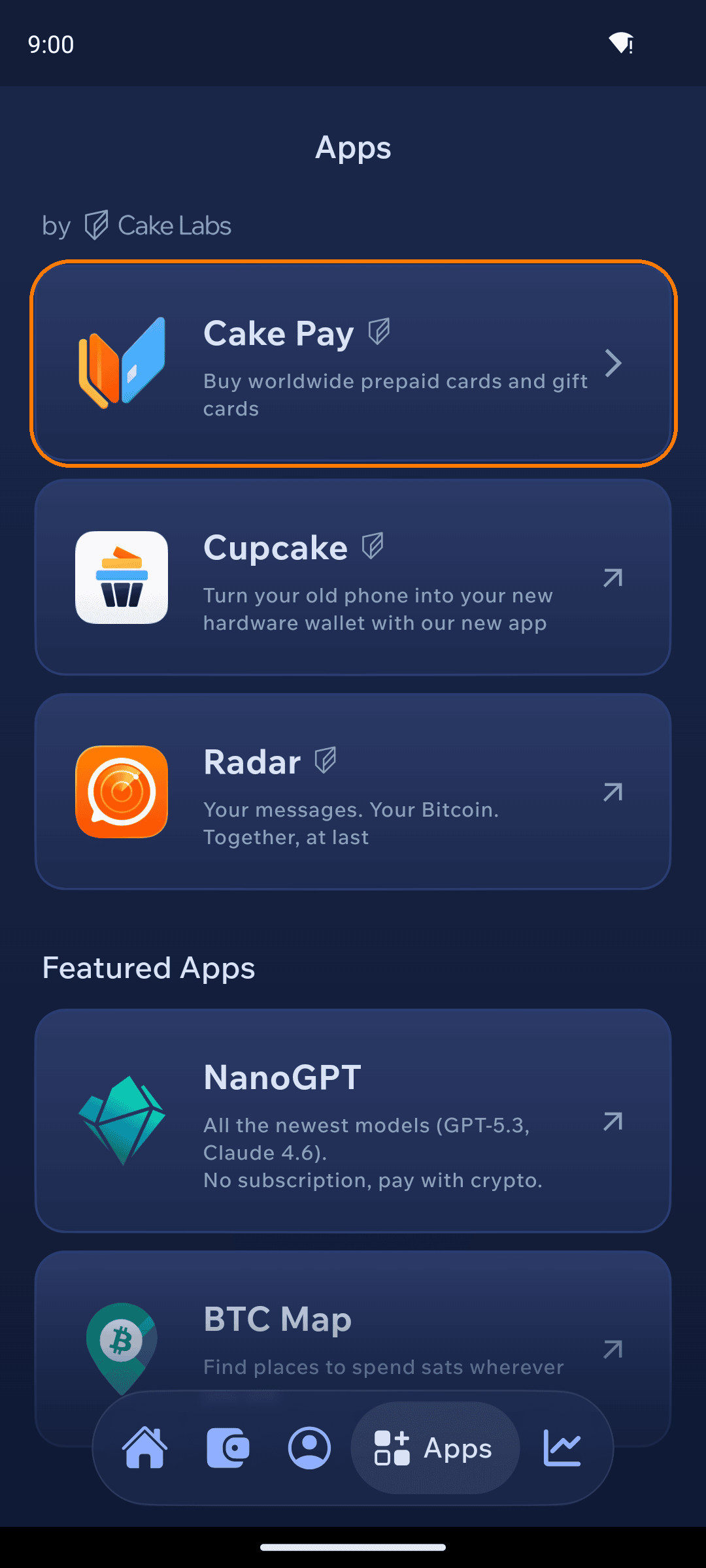

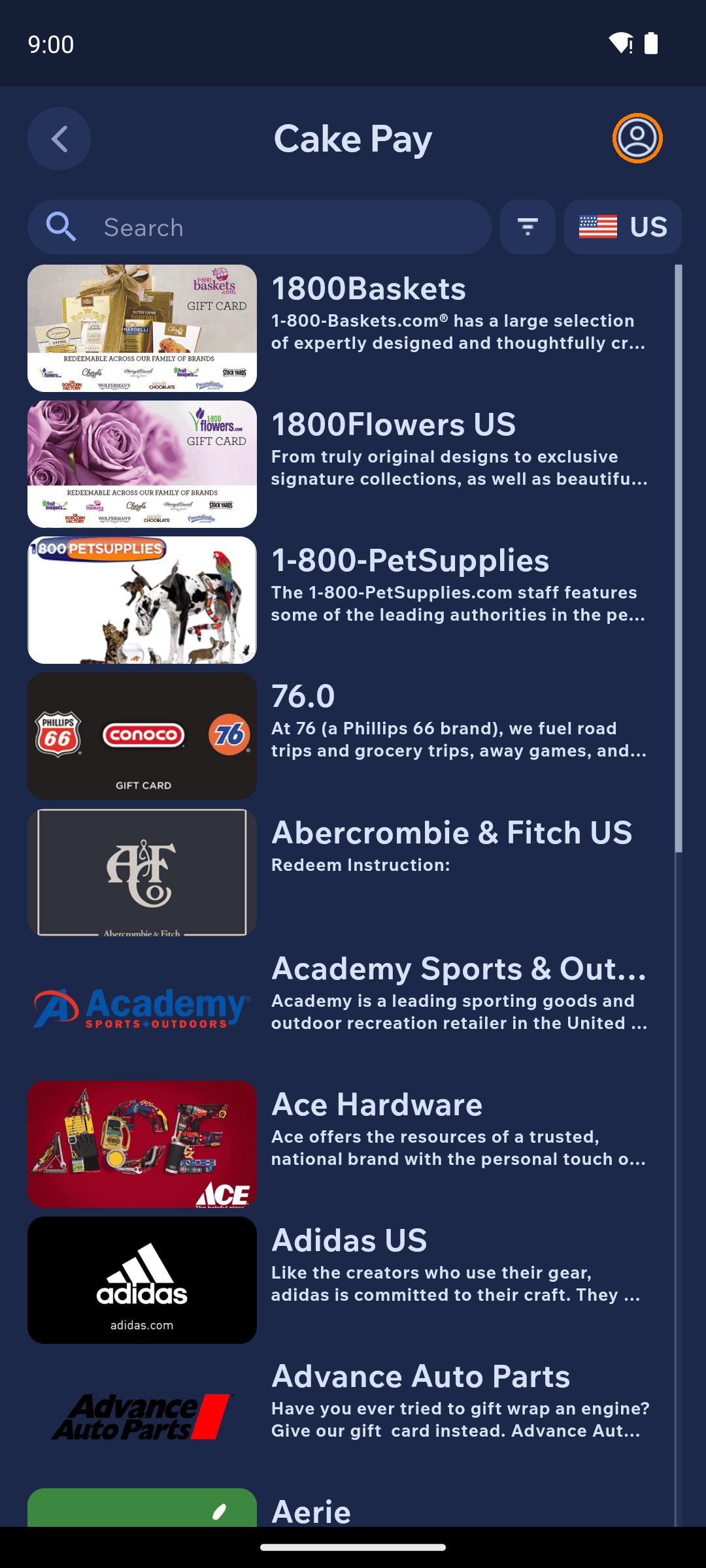
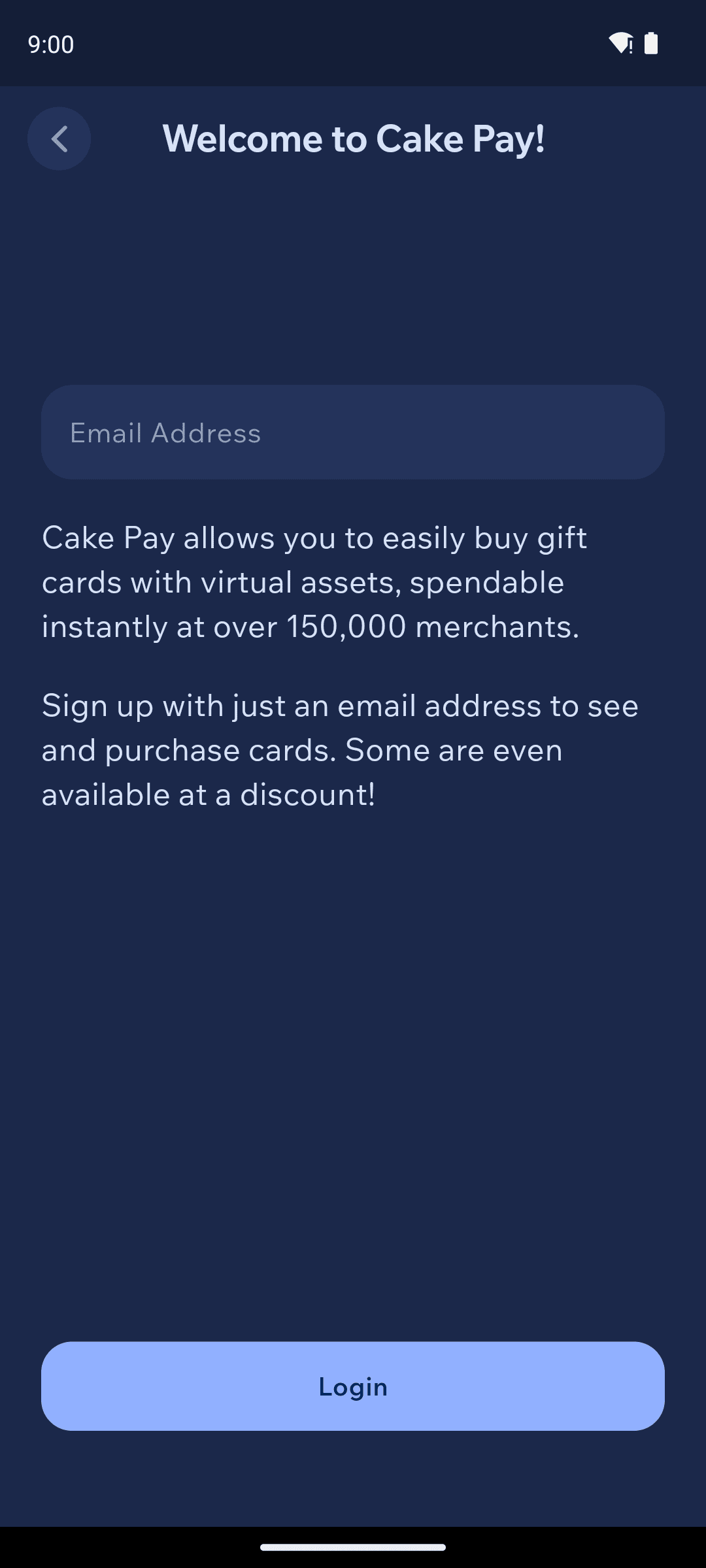
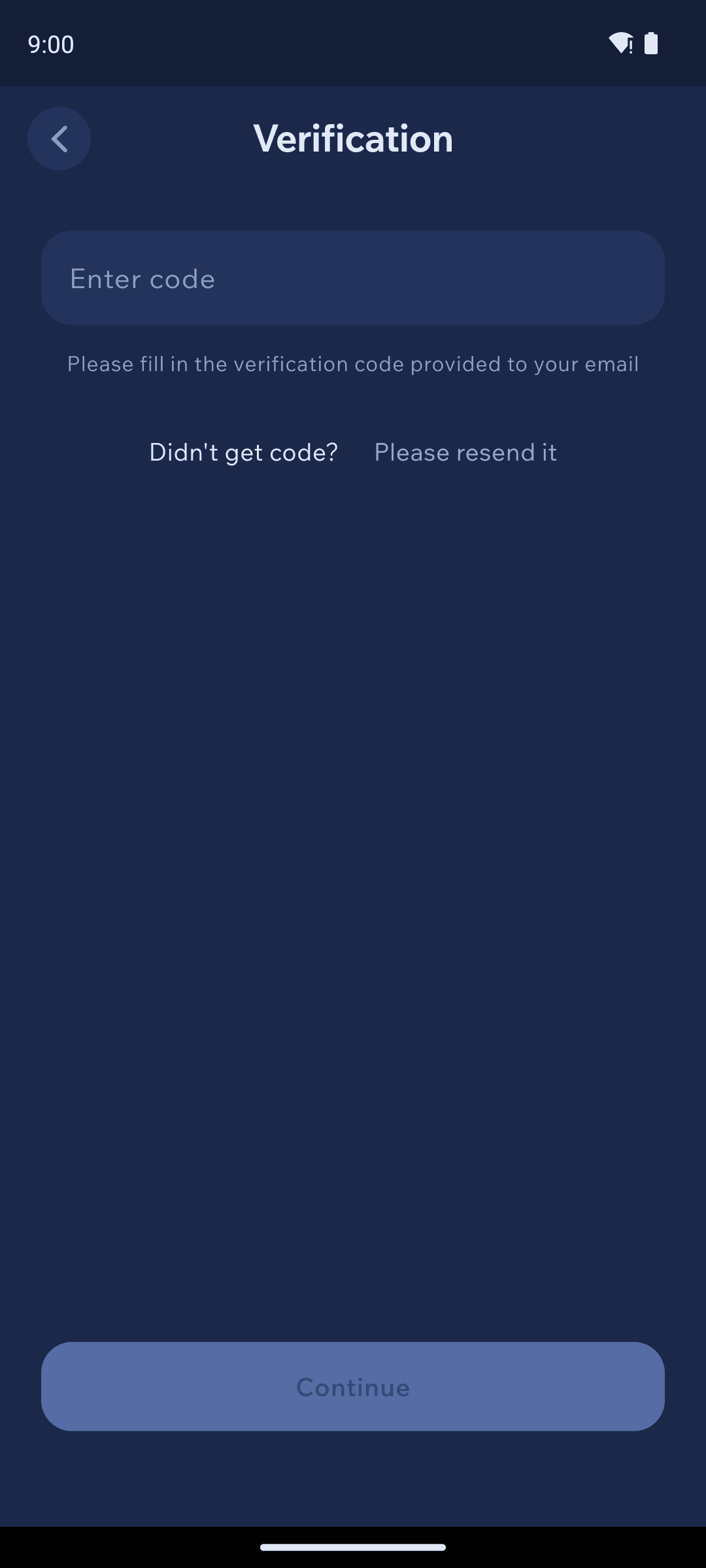
Choose a card and amount
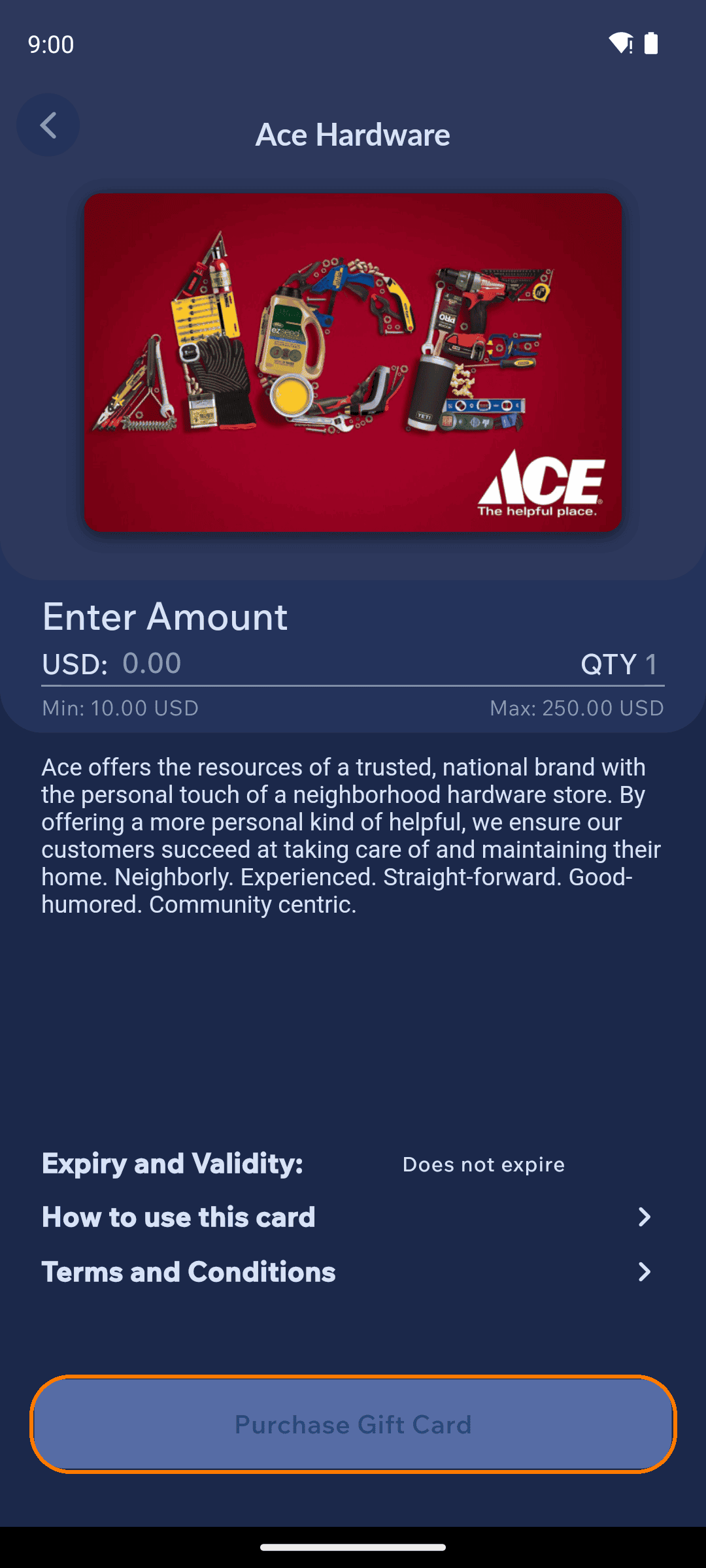
Open a merchant, enter an amount within the card's min/max (many cards support custom amounts), set the quantity, and review the expiry and usage terms. Then tap Purchase Gift Card and pay the invoice from your wallet. The payment options offered depend on which wallet you have open: Bitcoin (on-chain or Lightning), Litecoin (on-chain or MWEB), Monero, or Zcash.
Check your order status
Every Cake Pay purchase you start in Cake Wallet shows up as an Order row, with the Cake Pay icon, in the History tab of the wallet you paid from. Tap it to open Order Details. The Status row at the top shows where your order stands, and tapping the order card below it copies your order ID, which support will ask for. While Order Details is open, Cake Wallet fetches the latest status from Cake Pay about every 20 seconds.
Pending
Cake Pay has created your order and is waiting for your payment.
Pay the exact invoice amount before the Offer expires in: timer on the confirmation sheet runs out. If you've already paid, give the payment time to confirm.
Overdue
The payment window has passed, but Cake Pay is still holding the order as pending.
Don't send another payment to this order. If you already paid, wait. If the status doesn't move on, contact support with your order ID and the transaction ID (TXID) of your payment.
Expired
The order's payment window has ended.
Don't pay this order. Start a new purchase instead. If you did send funds to it, contact support with your order ID and TXID.
Underpaid
Cake Pay received less than the invoice amount.
Contact support with your order ID and TXID.
Paid
Cake Pay has received your payment.
Nothing to do. Your card is bought next.
Processing
Your payment is in and Cake Pay is buying your card.
Wait. Most cards arrive within an hour, occasionally up to a business day.
Confirmed
Your card has been purchased.
Watch your email for the code.
Awaiting
Your card is purchased and waiting to be emailed to you.
Check the inbox of the email you used for the order, including spam.
Complete
The order is finished and your card has been emailed to you.
Find the code and redemption link in your email.
Failed
The order didn't go through.
Contact support with your order ID, and your TXID if you paid.
Refund
A refund for this order is in progress.
Keep an eye on the email you used for the order.
Refunded
The order has been refunded.
Nothing to do.
Not found
Cake Wallet didn't recognize the status Cake Pay reported.
Contact support with your order ID.
If the Offer expires in: countdown on the confirmation sheet reaches zero before you swipe to send, Cake Wallet shows an order-expired error instead of sending. Start a new purchase to get a fresh invoice.
If Order Details shows Your Cake Pay session is no longer valid. Please log in again., the status stops updating. Sign in to Cake Pay again with your email from the account icon in the top right, then reopen the order.
Frequently Asked Questions
Was this helpful?